Skip to Content

EXModel

Transform 3D scan data into editable CAD models with speed and precision. EXModel streamlines the entire reverse-engineering workflow for beginners and experts alike.
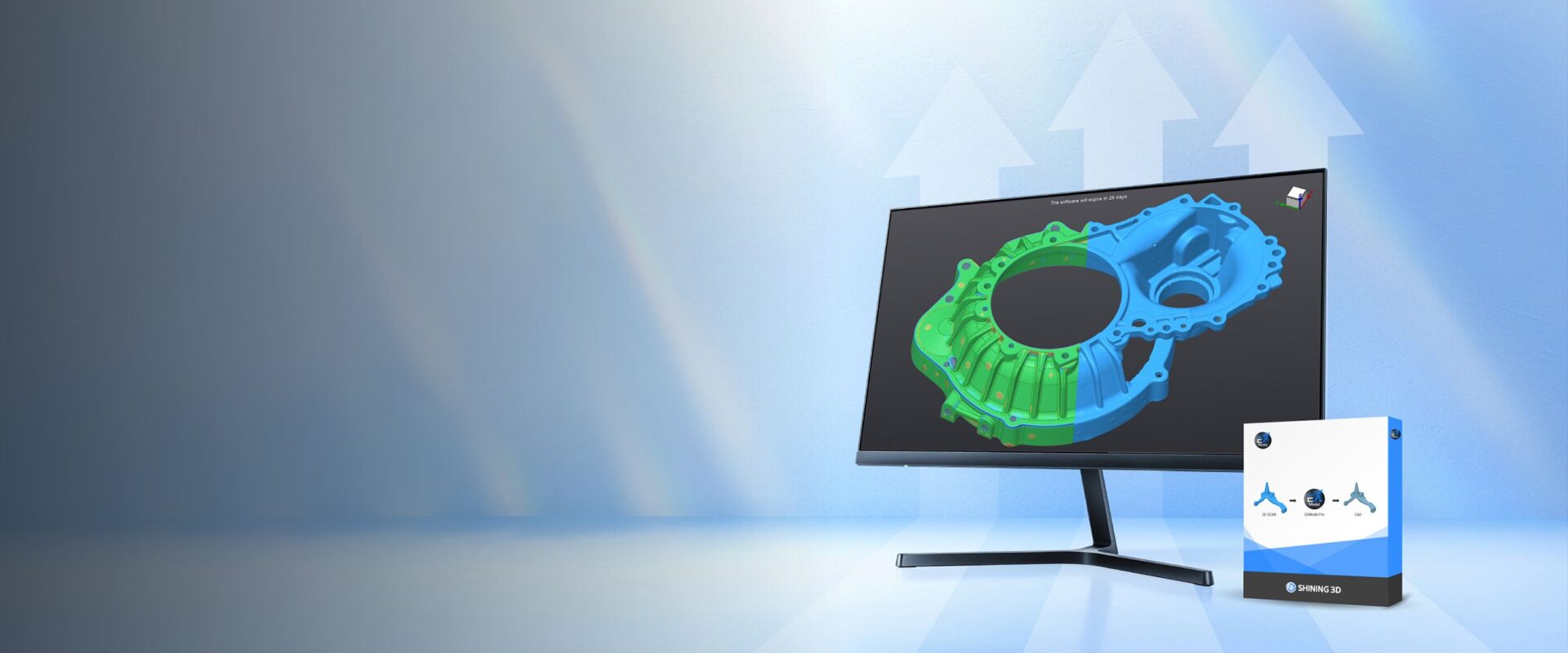
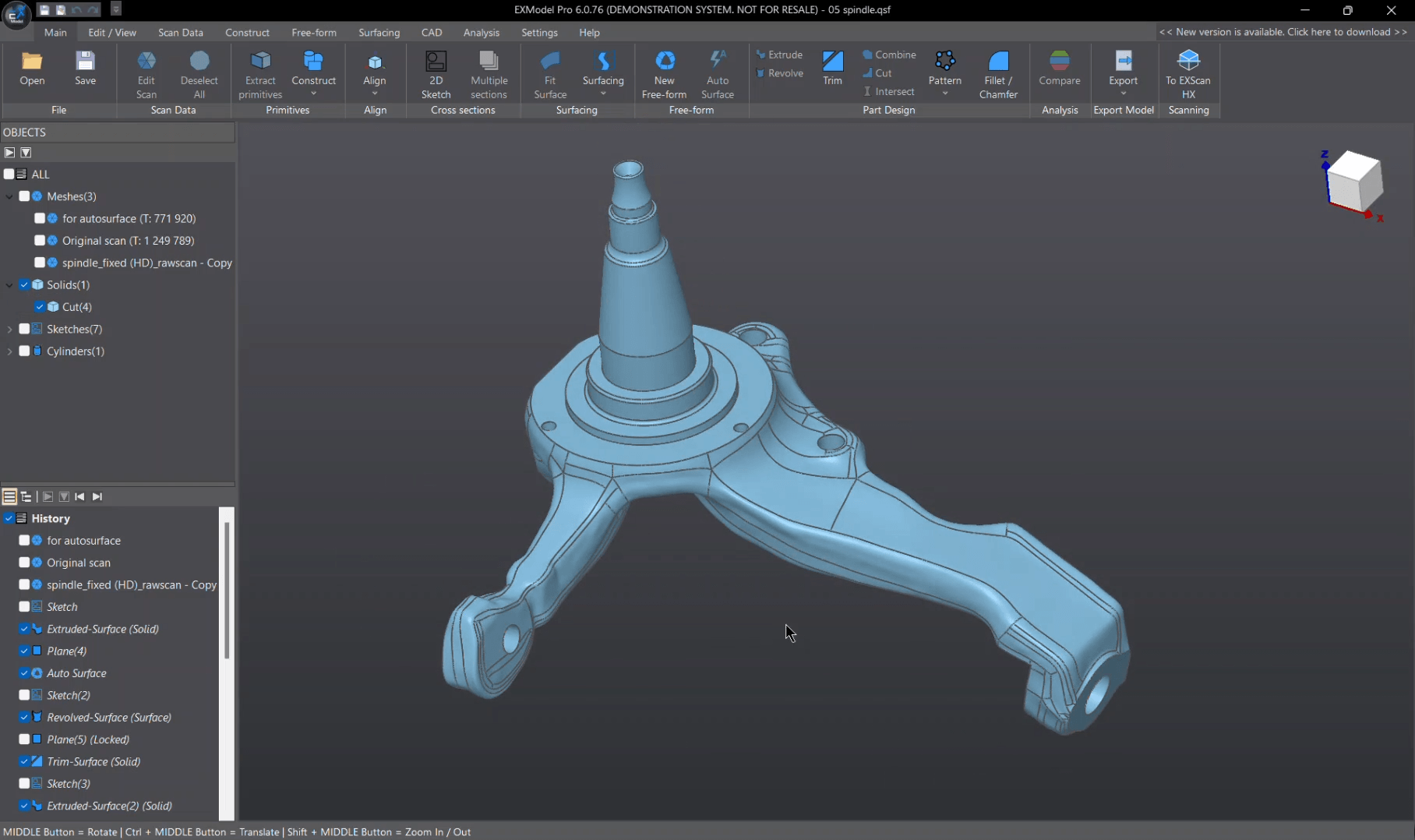
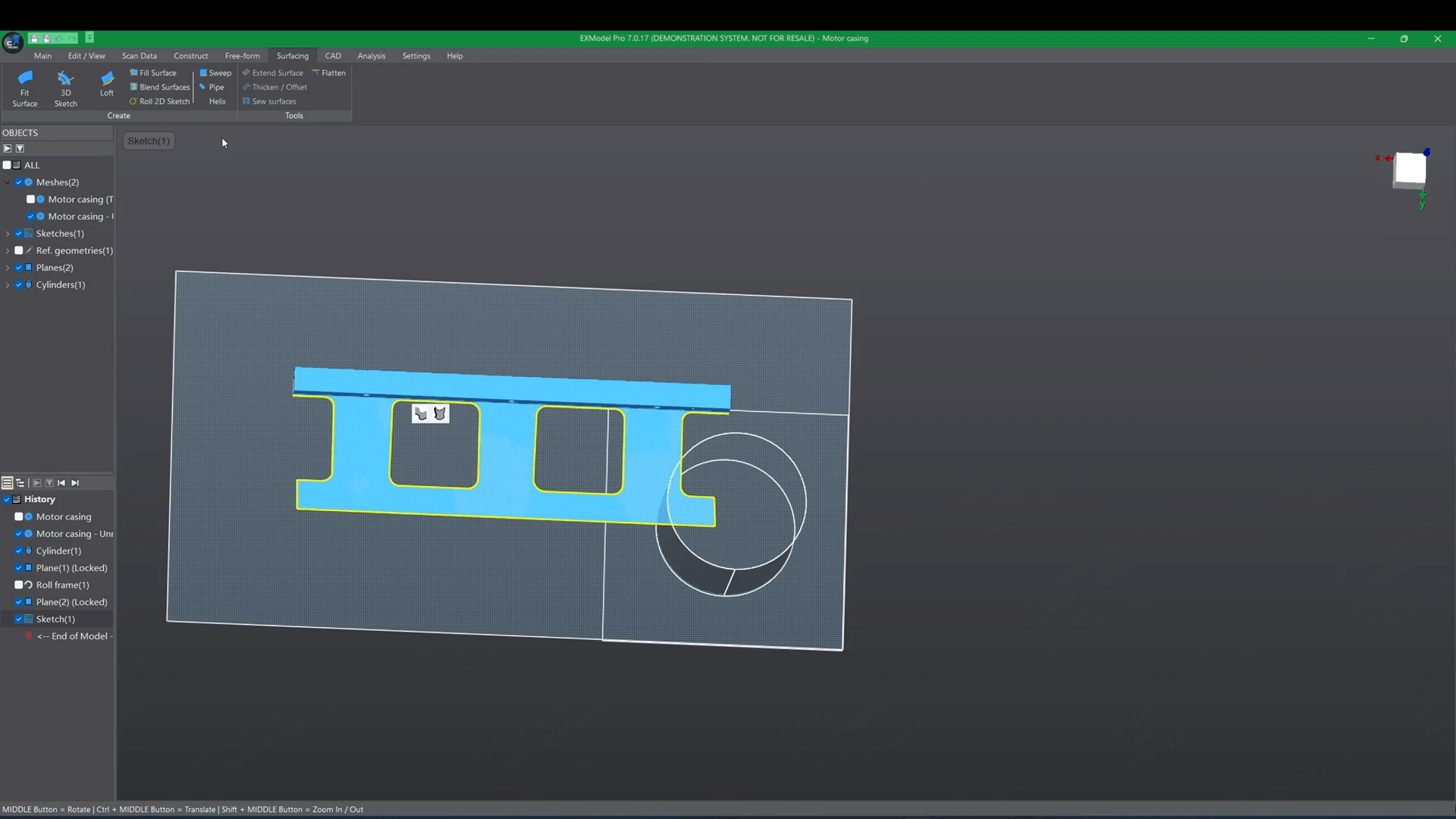
EXModel is a powerful design tool that bridges the gap between 3D scanning and CAD modelling. With easy mesh cleanup, intuitive sketching, smart surface creation, and seamless integration with SHINING 3D scanners, it enables you to turn raw scan data into accurate, ready-to-use CAD solids in just a few steps. For advanced users, EXModel Pro adds enhanced surfacing, hybrid modelling, roll and unroll tools, and full parametric control for even greater flexibility. Whether reconstructing simple parts or tackling complex free-form geometry, EXModel gives you the precision and efficiency needed for professional engineering and manufacturing tasks.
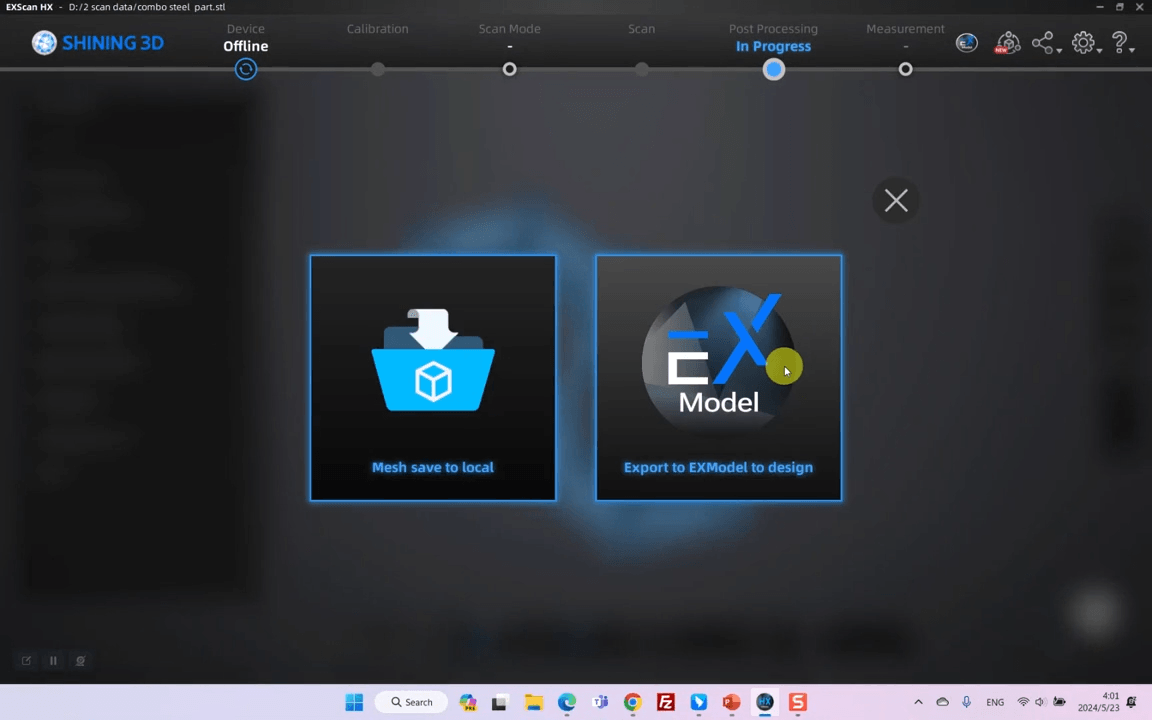
EXScan software screen offering the option to export the completed mesh directly into EXModel for CAD design.

Effortless Interaction

EXModel integrates smoothly with SHINING 3D scanning software. Transfer your mesh to EXModel with a single click and move straight from scanning to CAD without interruptions.

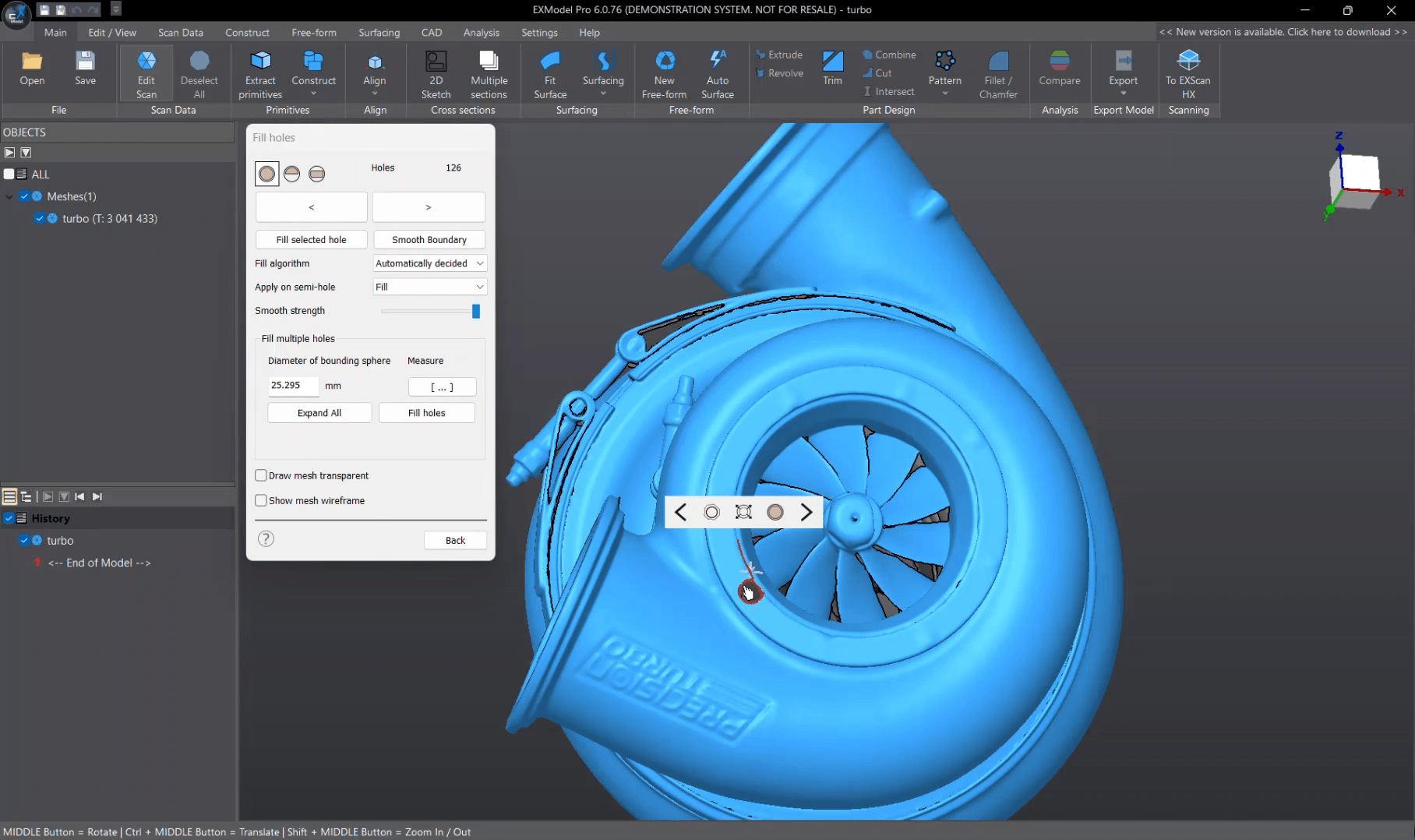
EXModel mesh editing panel with hole-filling and smoothing tools applied to a turbocharger scan.

Mesh Editing

Clean and optimise scan data with intuitive tools. Fill holes, smooth surfaces, remove outliers, and create watertight meshes ready for 3D printing or CAD reconstruction.

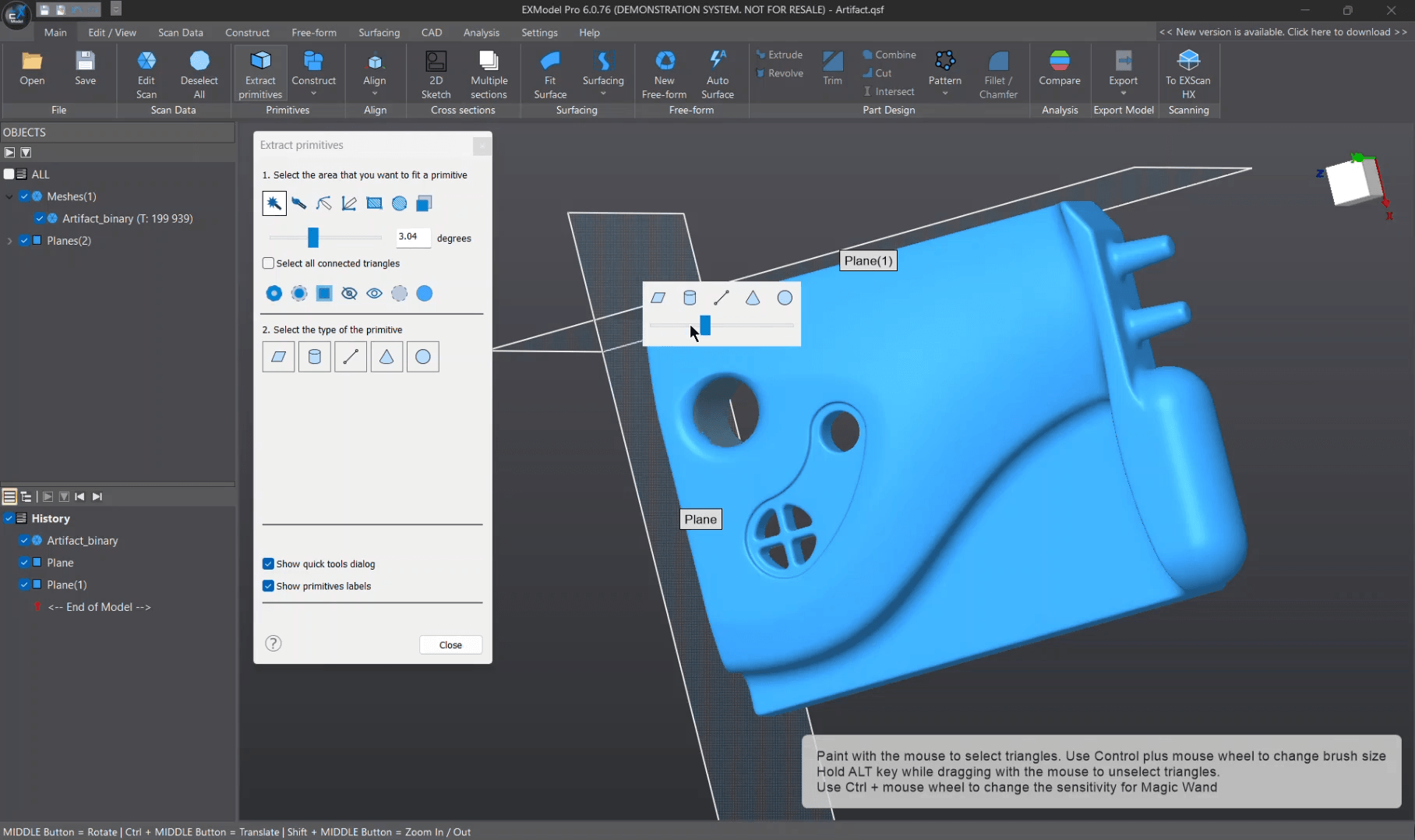
EXModel interface showing primitive extraction options with a plane being defined on a blue scanned artefact.

Primitives Extraction

Quickly fit planes, cylinders, cones, and spheres to your scan. Generate reference geometry for accurate alignment and a solid foundation for downstream modelling.

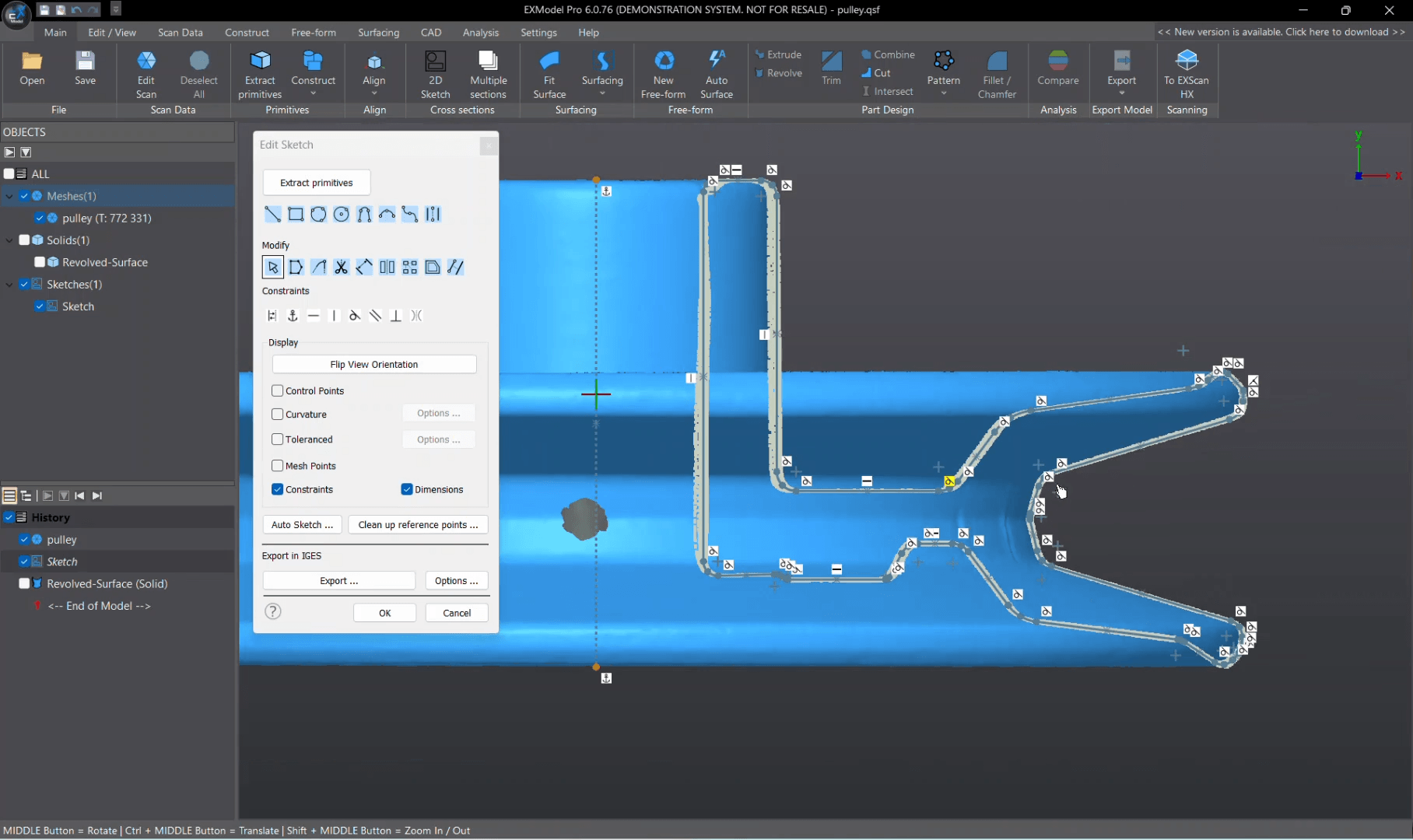
EXModel software showing a constrained 2D sketch with profiles, dimensions, and editing options on a blue mechanical part.

Constrained 2D Sketching (Pro Only)

Create precise, dimension-driven sketches with full constraint tools. Use interactive cutting to extract reference points or work directly with mesh and CAD planes for highly accurate section sketches.

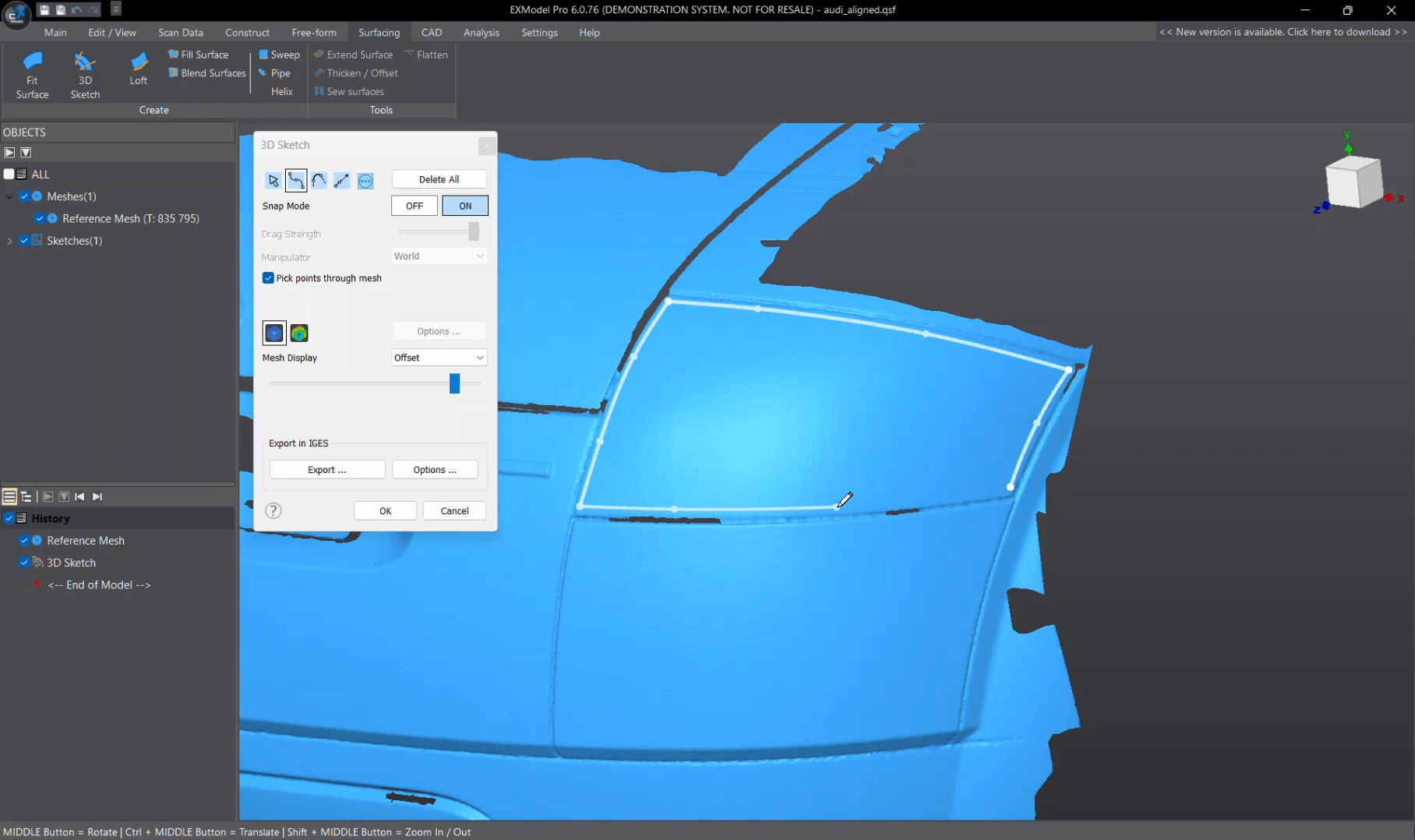
EXModel interface displaying 3D sketch curves snapped onto a blue car door mesh using the snap-to-mesh tool.

3D Sketching & Fill Surface (Pro Only)

Draw freeform curves directly on the mesh, build blended curves, and generate bounded or filled surfaces. Ideal for sculpted or organic shapes needing a strong CAD-ready base.

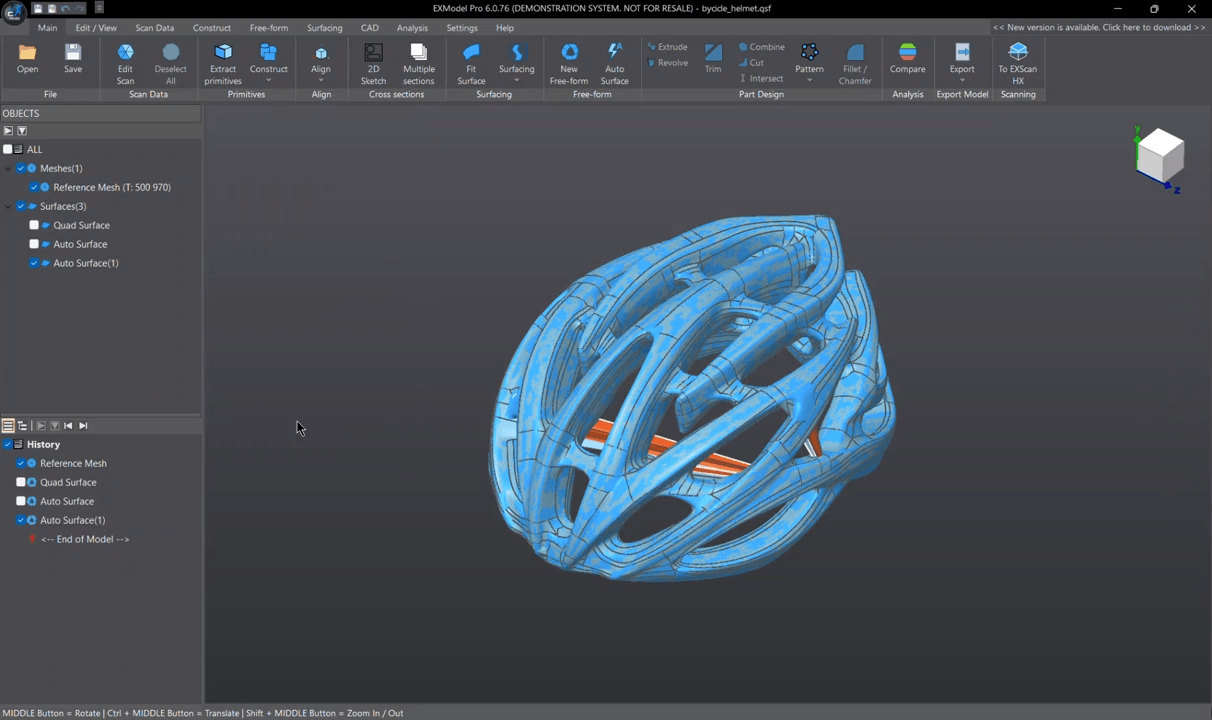
EXModel Pro showing free-form surfacing and quad mesh reconstruction on a complex bicycle helmet scan.

Free-form Modelling & Auto Surfacing

Transform complex organic scans into editable CAD geometry with one-click auto-surfacing or take full control using quad-surface tools. Snap-to-mesh makes detailed reconstruction easy, even for non-specialists.

EXModel Pro workspace with a fully reconstructed mechanical component combining free-form and parametric surfaces.

Hybrid Modelling (Pro Only)

Combine free-form and parametric features in a single workflow. Modify surfaces at any time and rebuild with confidence, giving you complete flexibility for complex reverse-engineering tasks.

EXModel interface showing the Roll and Unroll tool applied to a blue mechanical part within the CAD workspace.

Roll / Unroll (Pro Only)

Flatten curved surfaces or roll sketches back onto 3D geometry with precision. A powerful tool for parts with wrapped features or complex curvature.

See EXModel in Action and Explore Its Capabilities

Overview

This video introduces the latest EXModel 2026 update, showcasing major improvements to stability, performance, and precision. It highlights new surfacing tools, enhanced modelling functions, and workflow upgrades that make reverse engineering faster and more reliable from scan to CAD.

Reverse Engineering

This video walks through the basics of reverse engineering in EXModel, showing how to move directly from scan data to editable CAD geometry. It highlights tools like auto-surfacing, alignment, and 2D sketching, demonstrating how quickly you can turn a mesh into a solid model.

Frequently Asked Questions

Who is EXModel designed for?

Toggle

EXModel is ideal for anyone working with 3D scan data, including engineers, designers, technicians, and educators who need an easy way to convert meshes into CAD-ready models. EXModel Pro is better suited to users who need advanced surfacing, constraints, and hybrid modelling.

Do I need a SHINING 3D scanner to use EXModel?

Toggle

No. EXModel works with mesh files from any scanner. However, SHINING 3D scanners offer one-click data transfer, making the workflow much faster and more seamless.

What are the main differences between EXModel and EXModel Pro?

Toggle

EXModel includes all core tools for mesh editing, primitive extraction, basic sketching, auto-surfacing, and exporting CAD features. EXModel Pro adds advanced capabilities such as constrained sketching, hybrid modelling, rolling/unrolling, additional surfacing tools, and feature-tree transfer to other CAD packages.

Is EXModel difficult to learn?

Toggle

Not at all. The interface is designed to be intuitive, with straightforward mesh tools and guided workflows. Most users can begin producing solid models within hours, and Pro-level tools can be picked up gradually as skills progress.
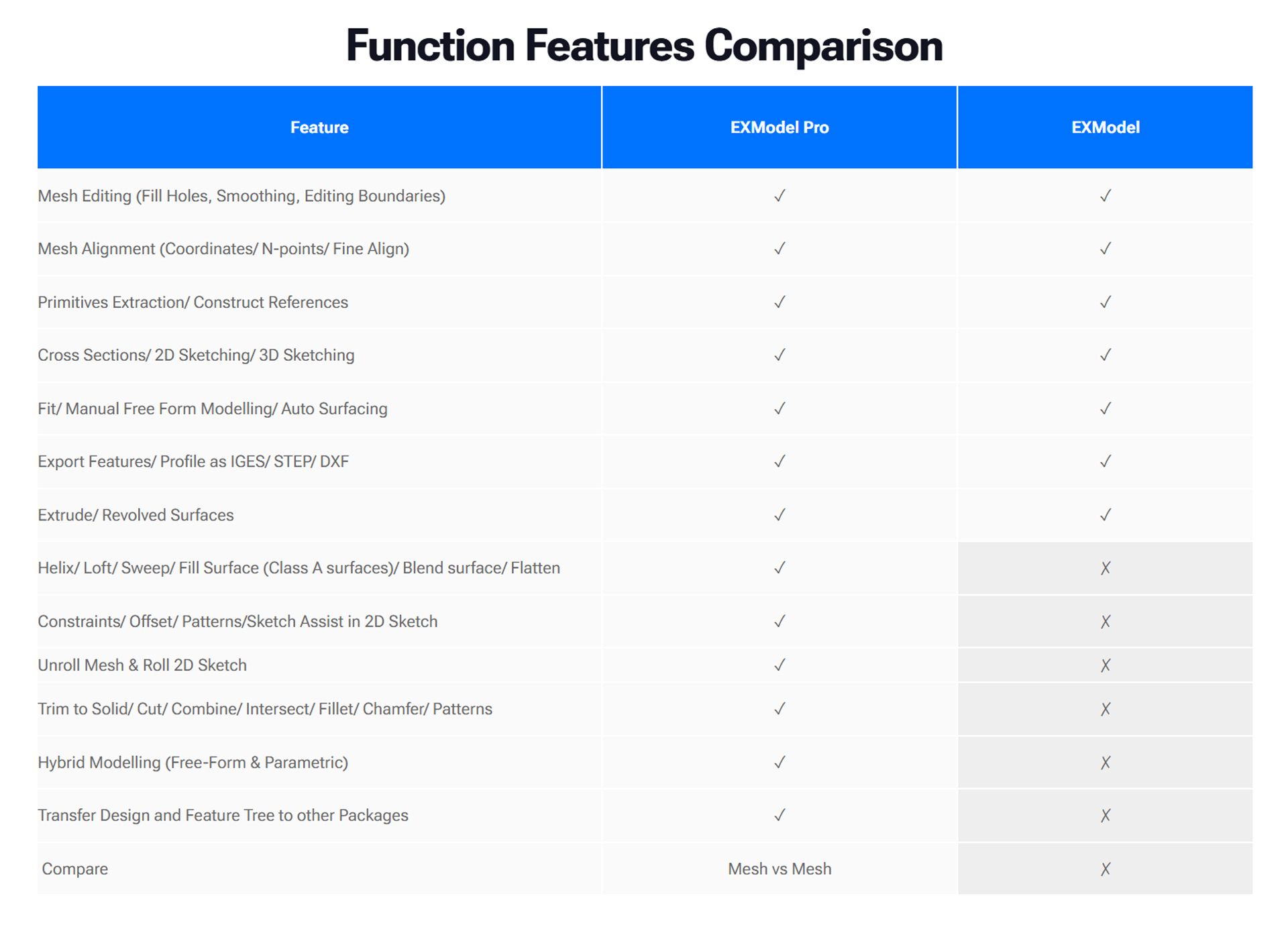
Comparison table showing EXModel Pro and EXModel features. Both support mesh editing, alignment, primitives, sketching, free-form modelling, exporting, and extrude/revolve. EXModel Pro adds advanced surfacing, constraints, unroll/roll, solid operations, hybrid modelling, feature-tree transfer, and mesh comparison.


Interested in EXModel? Complete the below enquiry form and an authorised reseller will be in touch

"*" indicates required fields

PrintLab Tec ships within the United Kingdom. If you’re outside the UK, you can still enquire and we’ll connect you with your local Shining 3D reseller.